General

Stair Design

CAM/CNC
General
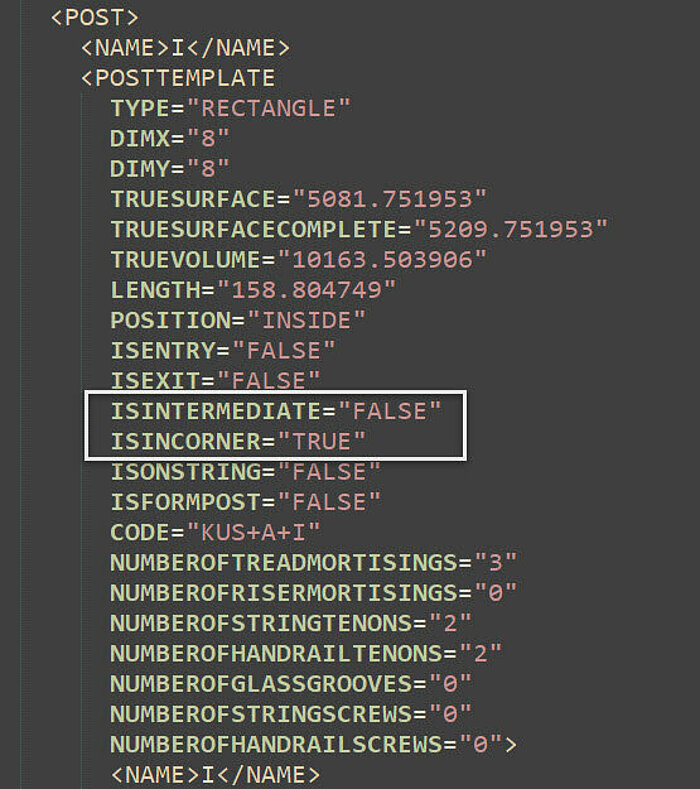
XML-Export: Extension of information in posts, whether it is intermediate or winding
The information on posts has been expanded in the XML export of a staircase. There is now an entry ISINTERMEDIATE for intermediate posts and ISINCORNER for winding posts. TRUE and FALSE are then used to output which post position is involved.


Stair Design
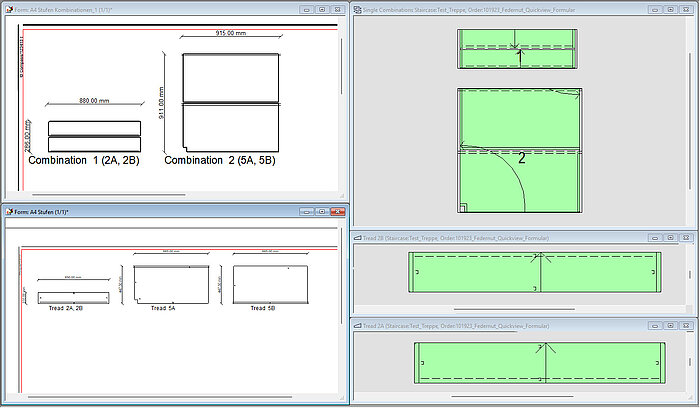
Forms, Quick view : Display of grooves for split treads
In the Quick View and in the form, the display of the groove for split treads has been extended. The enhancement affects treads and single combinations.
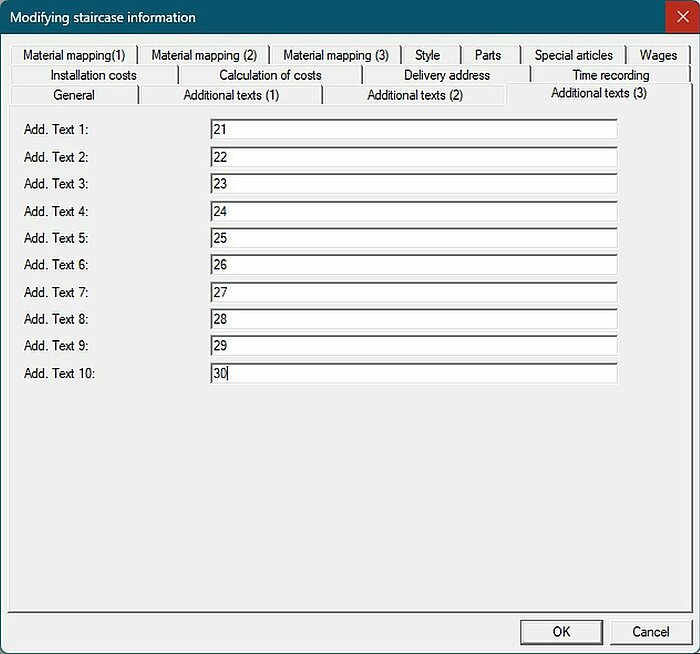
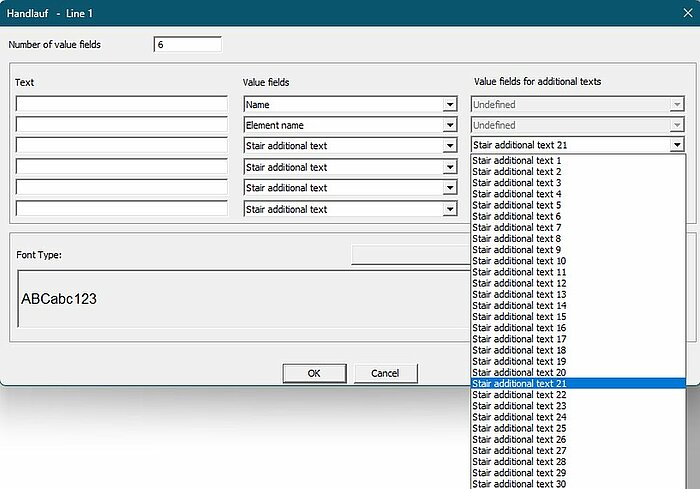
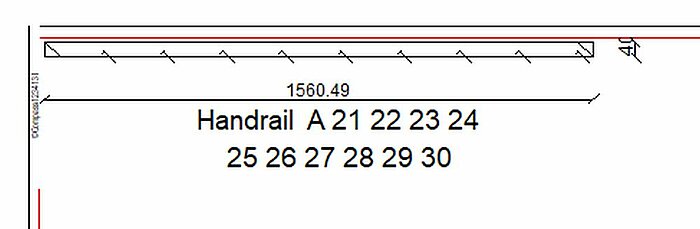
Forms: Additional texts (3) 21 bis 30 in value field of components possible
The additional texts (3) from the staircase can now also be output as value fields in the component forms.
CAM/CNC
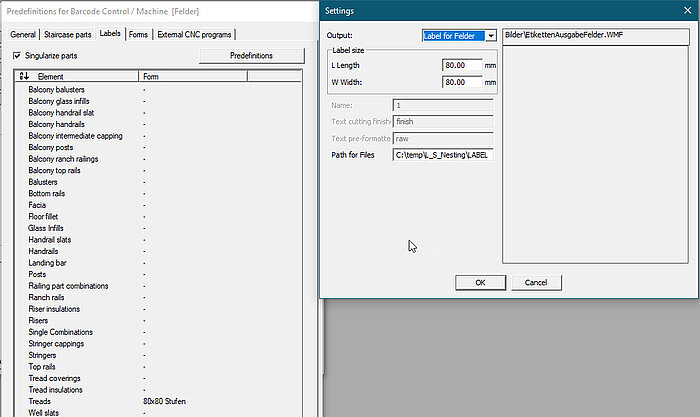
Felder with ISO-code, Nesting: label creation via barcode
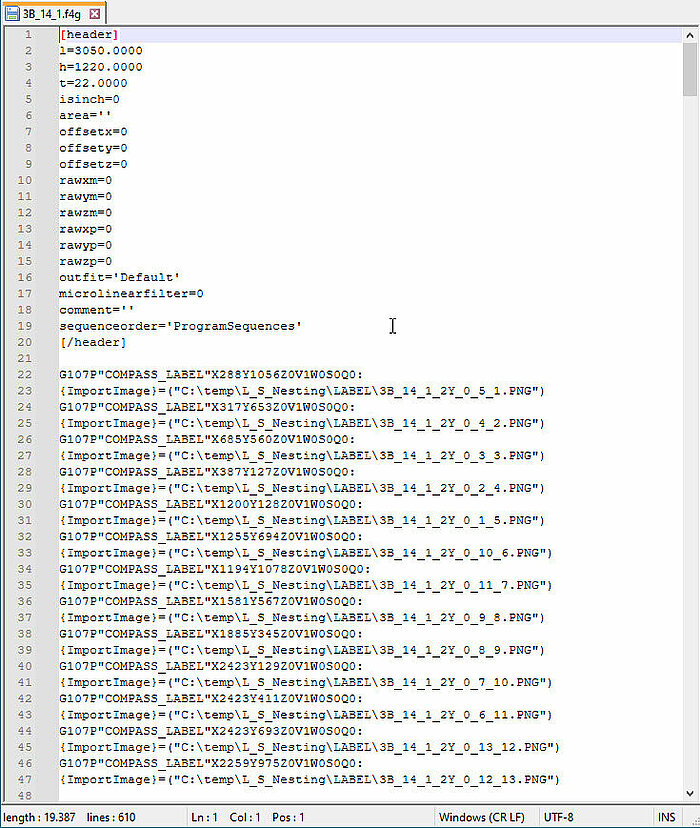
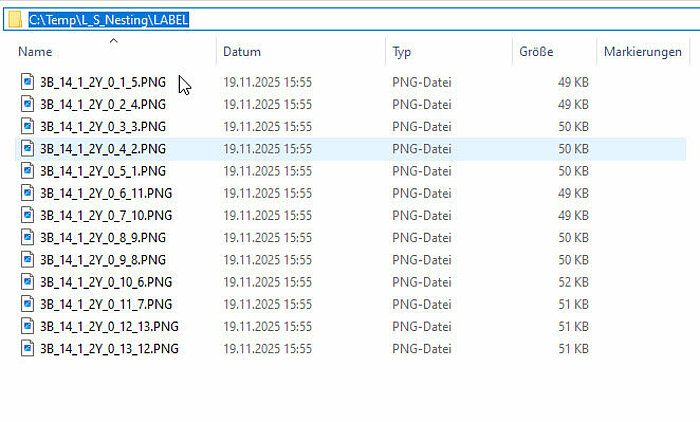
When creating a programme using the barcode, labels can be created for individual components. These are calculated in the Compass system on the basis of a form and exported as a PNG file.
The position, name and location of the labels are inserted into the CNC code. From there, the data is read in and applied to the nesting plate using the label bridge before it is processed.
- Barcode dialogue contains the export folder
- Label will be saved as PNG
- Position and export folder will be in CNC-program
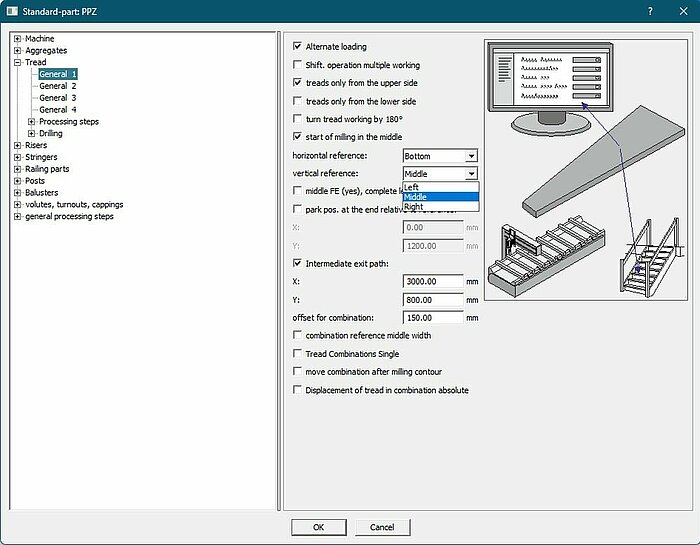
Risers, barcode with station selection: Reference vertical | middle possible
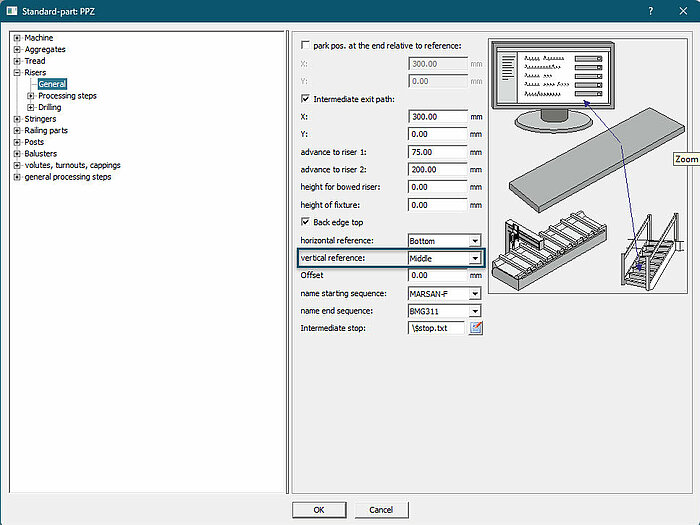
If risers are produced using the barcode with station selection, a vertical | centre is now possible as a reference. The value comes from the CNC presetting and overwrites the stop selected in your station.
As the ‘Centre’ stop previously had no function, you should check the CNC presetting and change it to “Left” if ‘Centre’ is selected but not desired.
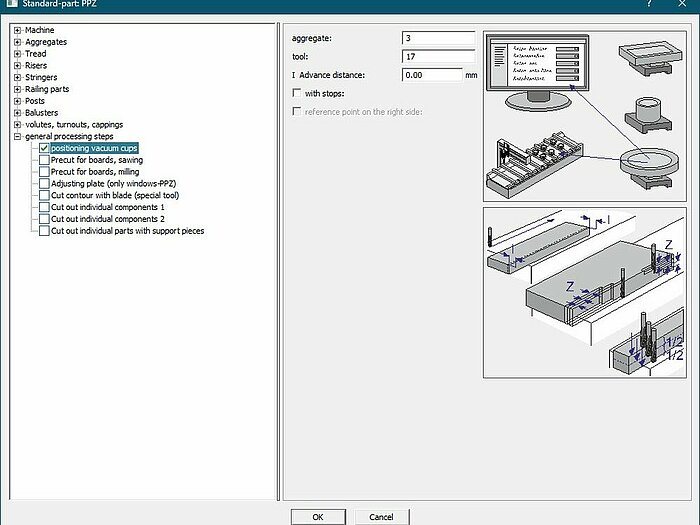
'Positioning vacuum cups' via point laser with
The 'positioning vacuum cups' operation can be used to move the suction cup positions to a point laser on the machine table. Previously, the vertical reference was only taken into account for single combinations.
What is new is that the vertical reference is now also taken into account in the step templates.